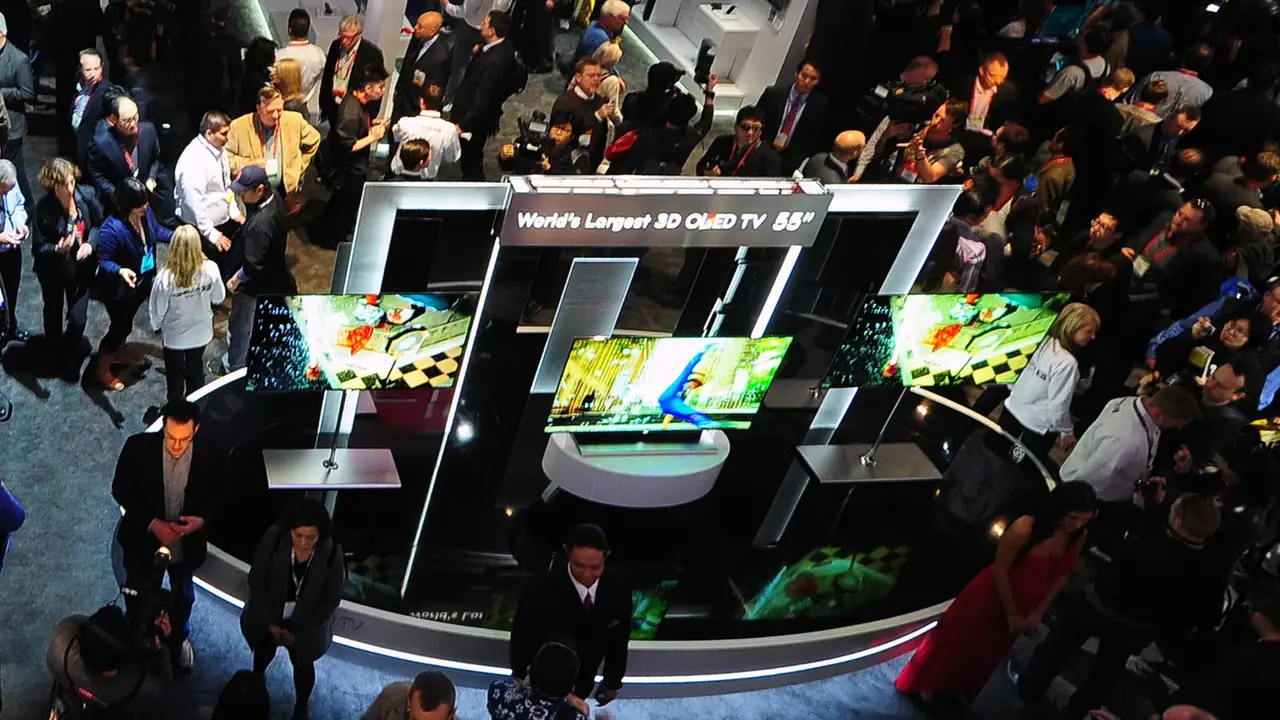

LG’s OLED TVs are popular for sport because of their picture. The IPTV set-up is the same as on Samsung, with a different store.
How do you set it up?
- Press Home and find the app store: Apps on recent sets, LG Content Store on older ones.
- Search for IBO Player and install it.
- Open it and note the MAC address and device key.
- On a phone or computer, open IBO Player’s website, choose Manage playlist, and add your playlist.
- Restart the app on the TV.
What can the LG app not do?
Recording and some catch-up features are limited on TV apps. If you want them, add an Android TV box or Fire TV Stick and use TiviMate.
Which picture settings help with sport?
Turn on the sports or standard picture mode, set motion smoothing (TruMotion) to a low level for football, and turn off energy saving, which dims the picture.
Readers also ask
Where is the LG Content Store?
It depends on the model year: press Home and look for Apps on newer sets, LG Content Store on older ones.
Can LG TVs use Freely or Freeview Play?
Many LG models support Freeview Play. Freely is built into newer TVs from several brands; check your model's specification.
Why is the picture smoother on a Fire Stick than the LG app?
Dedicated streaming devices have faster processors for video apps. The TV's own app is fine for most viewing; a stick helps with big line-ups and sport.