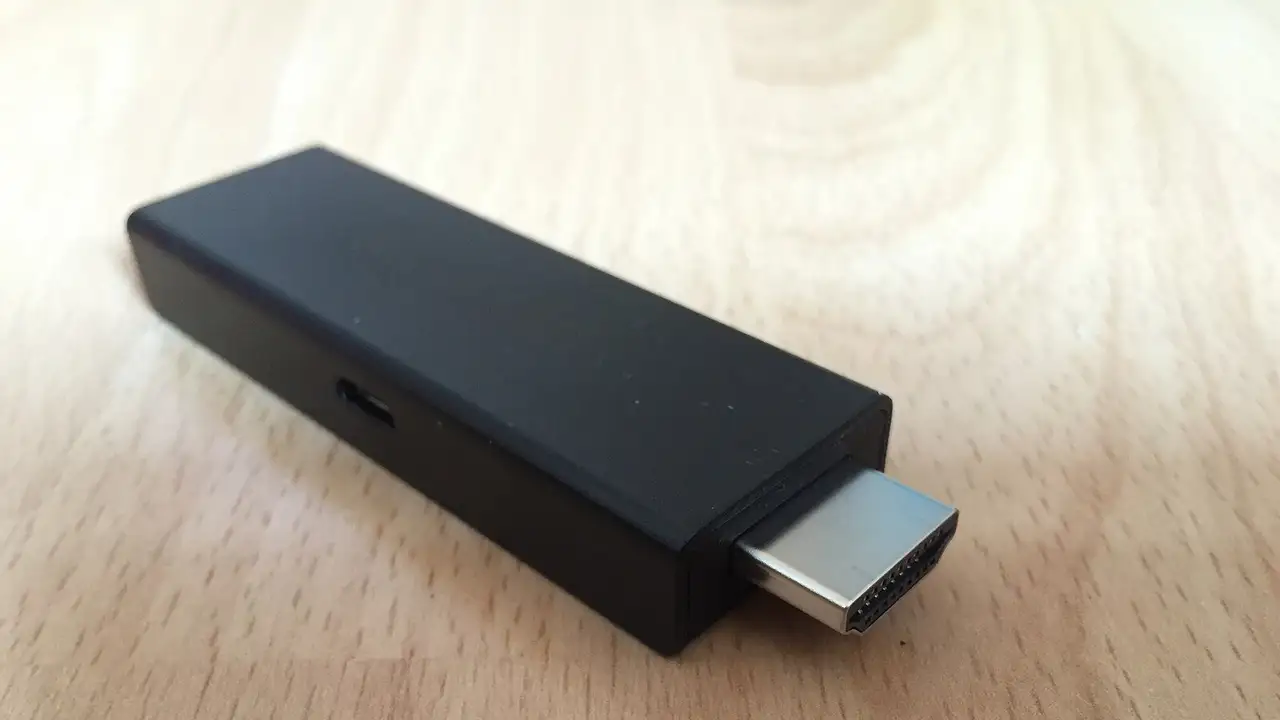

The Fire TV Stick is the device most UK IPTV users have, because it is cheap, plugs into any TV and runs the best players.
Which model should you buy?
| Model | Picture | Good for IPTV? |
|---|---|---|
| Fire TV Stick (basic) | Full HD | Works, but slow with big line-ups |
| Fire TV Stick 4K | 4K | Good |
| Fire TV Stick 4K Max | 4K, faster Wi-Fi, more memory | Best |
| Fire TV Cube | 4K, Ethernet built in | Best, and the most expensive |
How do you install a player safely?
- Look in the Appstore for TiviMate (or IPTV Smarters Pro). If you find it, install it and jump to step 5.
- If not, install the Downloader app from the Appstore.
- In Settings → My Fire TV → Developer options, let Downloader (and only Downloader) install apps. (No Developer options menu? Open My Fire TV → About and press Select on the stick’s name seven times to reveal it.)
- In Downloader, enter the official download address from the app developer’s website, install, then switch the permission off again.
- Open the app and log in with the details from your welcome message: see TiviMate or Smarters Pro.
What makes the biggest difference to quality?
- A wired connection. Amazon’s Ethernet adapter plugs into the stick’s power port.
- 5 GHz Wi-Fi. Move the router or add a mesh point if the signal is weak.
- Free space. Uninstall apps you do not use; low storage slows everything.
- A restart. Hold Select and Play together for five seconds once a week.
What should you never do?
Buy a “fully loaded” stick, sign in to your Amazon or bank account on a stick set up by someone else, or install every app a forum recommends. Read loaded Fire Sticks: legal or not?
Readers also ask
Which Fire TV Stick is best for IPTV?
The Fire TV Stick 4K Max, which has more memory and faster Wi-Fi. The basic Fire TV Stick plays HD only and can be slow with large channel lists.
Do I need to jailbreak my Fire Stick for IPTV?
No. 'Jailbreaking' only means allowing apps from outside the Appstore. You can install a player app without any other changes, and a stick bought pre-loaded from a stranger is a security risk.
How do I stop my Fire Stick buffering?
Clear the app's cache, restart the stick, use 5 GHz Wi-Fi or an Ethernet adapter, and increase the player's buffer size. Our buffering guide has the full list.