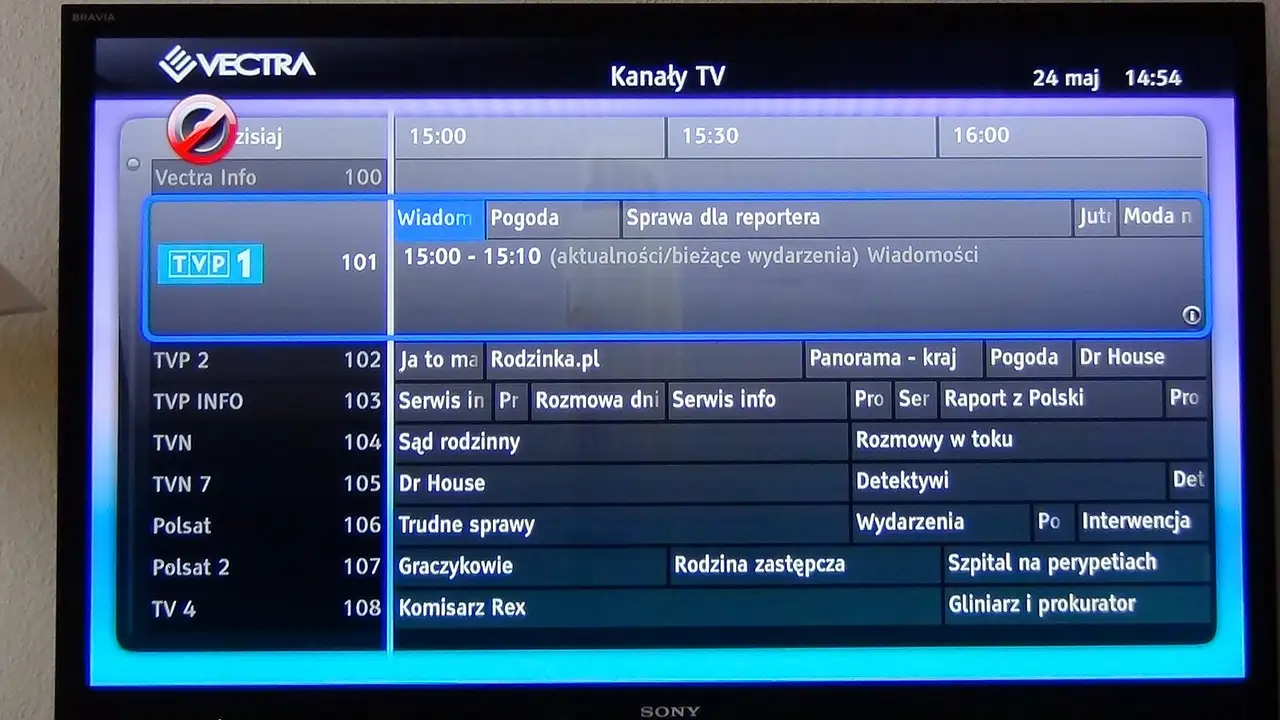

How do you refresh the guide?
| App | Where |
|---|---|
| TiviMate | Settings → EPG → choose Update EPG |
| IPTV Smarters Pro | Home → Install EPG, or Settings → EPG |
| GSE Smart IPTV | EPG sources → refresh |
| IBO Player | Reload the playlist on the website |
How do you fix the time?
Set the device and the app to London (Europe/London), not “GMT” or “GMT+1”. The UK moves to British Summer Time on the last Sunday in March and back on the last Sunday in October; London time follows both changes automatically.
Why do some channels say “no information”?
Each channel in the playlist has an ID that should match an entry in the guide. Renamed channels sometimes lose the match. Tell us the channel and we fix the link on our side.
Readers also ask
Why is my TV guide an hour out?
The app or device is set to a fixed offset instead of London time. After the clocks change in March and October, a fixed offset puts listings an hour out.
How often does the guide update?
Most apps refresh it once a day. You can force a refresh in the settings.
Why do some channels have no listings?
Smaller and international channels sometimes have no guide data, or the channel's ID does not match the guide. Tell us which ones and we check the match.