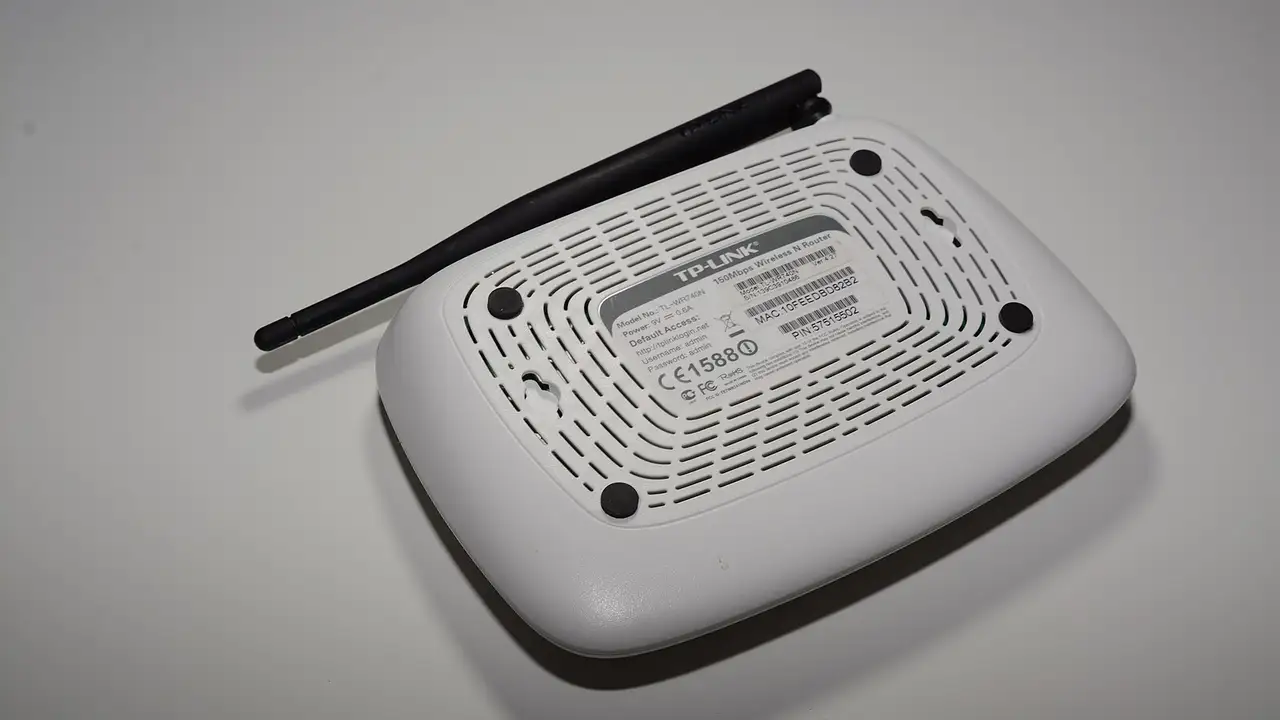

The speed printed on your broadband contract is measured at the router. Your television sees what is left after walls, floors, the microwave and three phones.
How much speed does each stream use?
| Picture | Speed per screen | Data per hour (about) |
|---|---|---|
| SD | 5 Mbps | 1 GB |
| HD (720p or 1080p) | 10 to 15 Mbps | 3 GB |
| 4K Ultra HD | 25 Mbps | 7 to 10 GB |
Add them up for every screen watching at once, then leave room for everything else in the house.
How do you test properly?
- Test on the device you watch on, in the room it lives in.
- Test between 7pm and 10pm, when networks are busiest.
- Run it three times and take the lowest result.
How do you fix weak Wi-Fi?
- Use 5 GHz. Most routers broadcast two networks; the 5 GHz one is faster over short distances.
- Move the router off the floor and out of cupboards.
- Add a mesh point or a powerline adapter near the TV.
- Use a cable. Many Fire TV and Android boxes take an Ethernet adapter, and smart TVs have a network socket.
- Restart the router and the device once a week.
If the speed is fine and streams still buffer, the problem is likely the service. See buffering fixes.
Readers also ask
Is 30 Mbps enough for IPTV?
Yes for one or two HD screens. For a 4K stream plus another screen at the same time, it is tight. Test at the busiest time of evening.
How do I test my broadband speed on a TV?
On a Fire TV Stick or Android TV, install a speed test app from the store, or open the speed test in the TV's web browser. Run it in the evening, when networks are busiest.
Will full fibre stop buffering?
It removes the line as a bottleneck, but not your Wi-Fi or the provider's servers. Many homes with full fibre still buffer because the TV sits two walls away from the router.