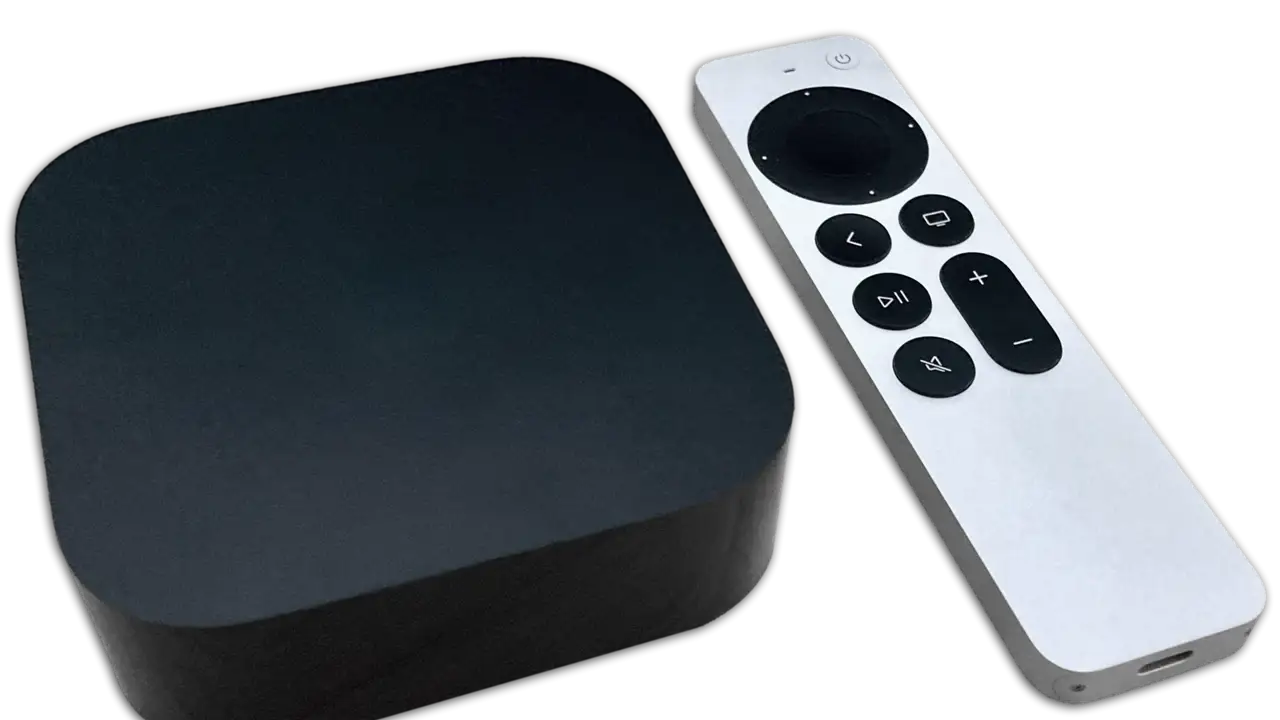

Apple TV only runs App Store apps, which narrows the choice of players and also removes most of the security risks.
How do you set it up?
- On the Apple TV itself, go to the App Store and get Smarters Player Lite (or GSE Smart IPTV).
- Open the app and choose the Xtream Codes log-in.
- Enter the server, username and password with the Siri Remote, or with the keyboard on your iPhone when the prompt appears.
- Wait for channels to load, then add favourites.
Which settings help?
- Match frame rate and match dynamic range on, so 50 frames-per-second UK sport is shown without judder.
- Wired network if the Apple TV 4K model has an Ethernet port.
Is AirPlay good enough?
For a quick look, yes. For a two-hour match, run the app on the Apple TV itself; AirPlay depends on the phone staying awake and close to the router.
Readers also ask
Is TiviMate on Apple TV?
No, TiviMate is Android only. On Apple TV use Smarters Player Lite or GSE Smart IPTV.
Which Apple TV do I need?
An Apple TV 4K of any generation runs the current players well. The older Apple TV HD also works for HD streams.
How do I make football look smoother on Apple TV?
In Settings → Video and Audio, turn on Match Content: Match Dynamic Range and Match Frame Rate.