_with_Siri_Remote_(cropped).jpg)
GSE has been around longer than most IPTV players, and it shows in the number of settings.
How do you add a playlist?
- Open GSE and tap the menu.
- For an M3U link: Remote playlists → + → Add M3U URL, give it a name and paste the link.
- For a log-in: Xtream Codes API → +, then enter the server, username and password.
- Tap the new playlist to load channels.
How do you send it to the TV?
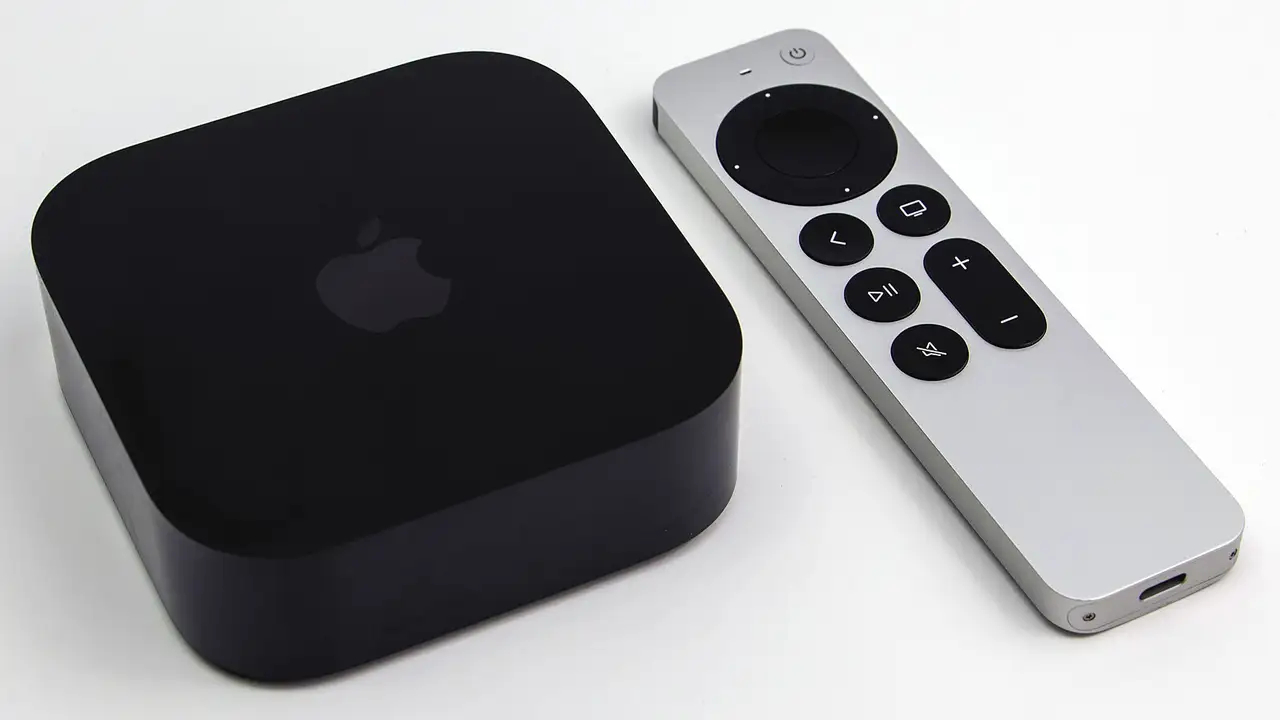
From an iPhone, use the AirPlay button to an Apple TV or AirPlay-capable TV. GSE also supports Chromecast, which helps with Google TV devices and Chromecast dongles.
Which settings help?
- Player options: switch the decoder if a channel shows a black screen with sound.
- Parental control: hide adult groups behind a PIN.
- Time shift: set the guide’s time zone to UK time if listings look an hour out after the clocks change.
Readers also ask
Is GSE Smart IPTV free?
It is free to download with some features behind a paid upgrade on Apple devices. It contains no channels.
How do I add the TV guide in GSE?
Open EPG sources, add the guide link your provider supplied (or let the Xtream Codes log-in add it), then refresh. Matching depends on channel IDs in the playlist.
GSE or Smarters Player Lite: which is better?
Smarters Player Lite is simpler; GSE has more options. Try both with the free trial and keep the one you find easier.